Rainbow Visual Timer for Kids Review: Is It Worth It?
Quick answer: The Yunbaoit Rainbow Visual Timer turns time into a shrinking band of color, so young children can see how long is left without reading numbers. It's genuinely useful for morning routines, homework, and screen-time limits — best for ages ~2–7, in short blocks up to 60 minutes. It won't fix transitions on its own, but inside a predictable routine it removes a lot of the “how long?” friction.
Part of the FamilyDecode Method: Decode → Identify → Plan → Practice → Review
Affiliate note: This review contains affiliate links. If you buy through them, FamilyDecode may earn a small commission at no extra cost to you — see our Affiliate Disclosure. As an Amazon Associate, FamilyDecode earns from qualifying purchases. We only feature products we’d genuinely suggest to a friend.
You tell your little one that screen time ends in five minutes, but they melt down. This is common because kids can't see time passing. They live in the moment, making it hard for them to understand "five minutes."
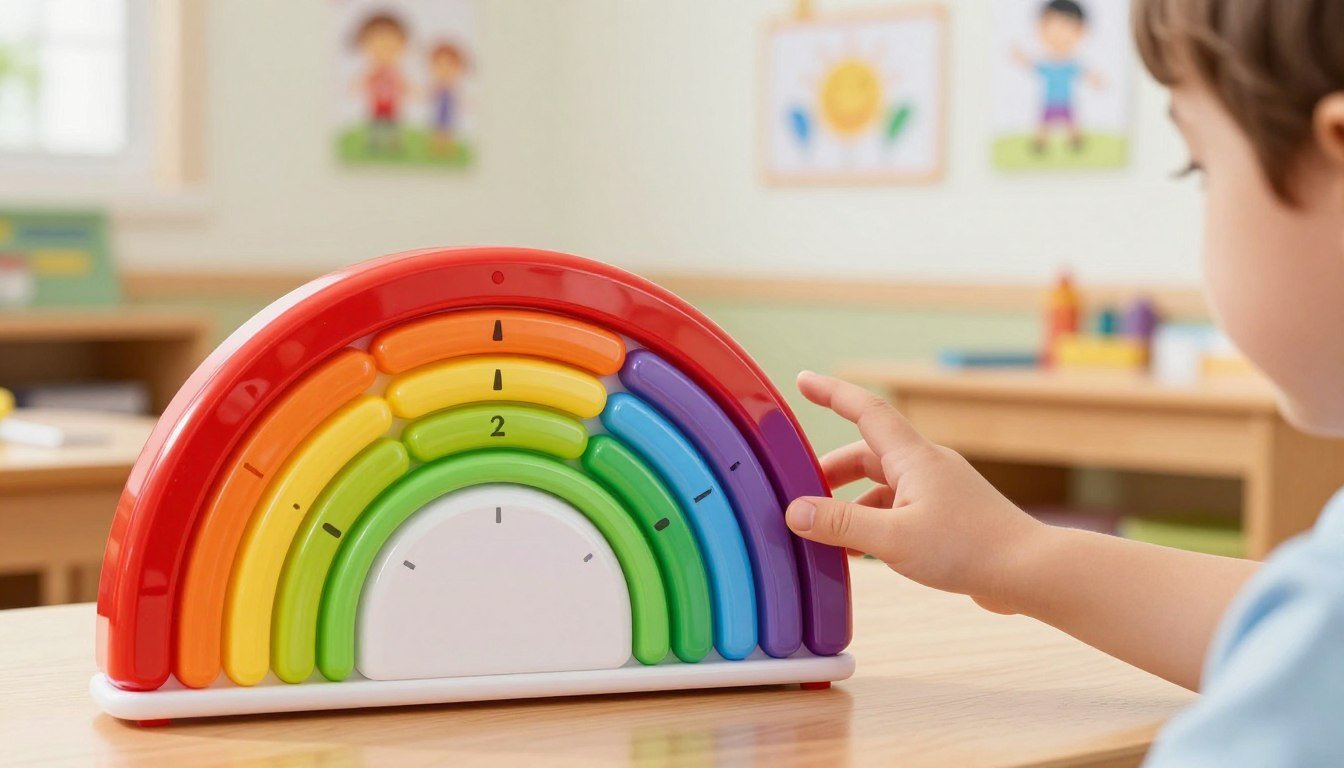
A rainbow visual timer for kids is a simple fix. It uses a colorful 60-minute display. This makes it easy for kids to see how much time is left before a task ends.
A visual, hands-on cue helps young children see how much time is left.
In this review, we look at the Yunbaoit visual timer to see if it makes daily routines calmer. We'll check its silent mode, adjustable alerts, and protective case. This will help us decide if it's right for your home. Also, this article might have affiliate links. These links help support our site without costing you more.
Key Takeaways
The device uses a color-coded disk to represent time passing.
It features a silent mode to prevent unnecessary distractions.
Adjustable volume settings allow you to customize the alert level.
A durable protective case helps the unit withstand daily use.
This tool focuses on smoother transitions, not perfect behavior.
Watch: the rainbow visual timer in action.
What the Yunbaoit Rainbow Visual Timer for Kids Is
Let's dive into the Yunbaoit visual timer and how it works in a home. It's a kids routine timer that helps kids understand time through a colorful display.
Product purpose and review scope
This tool helps kids see how much time is left for an activity. This review looks at using it in everyday life, like for homework or play.
We'll talk about setting it up, its daily uses, and any downsides. Remember, it's not a medical or educational tool. It's just a visual timer for kids to help with daily routines.
How the 60-minute countdown works
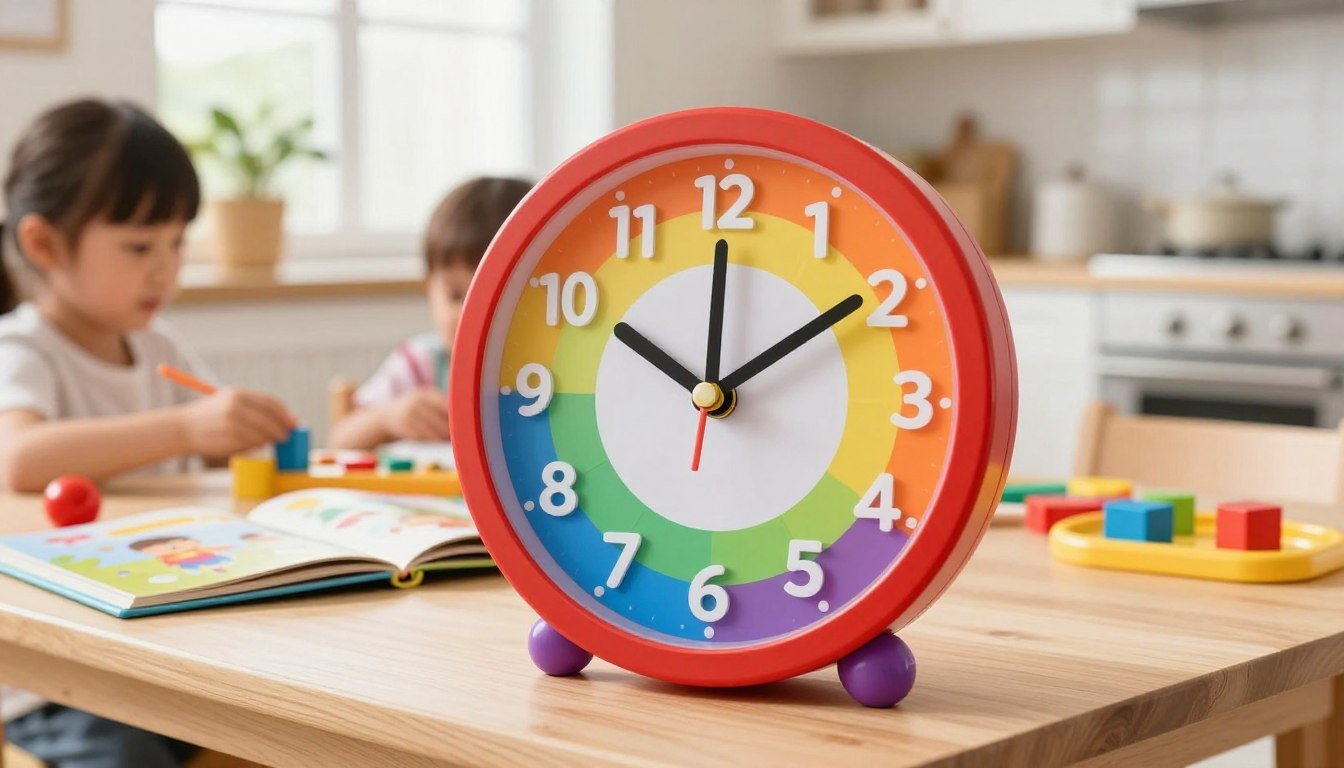
The timer counts down in 60-minute chunks, easy for kids to follow. When you set the time, a big, colorful area fills the clock.
As time goes by, this area gradually shrinks. It shows kids that time is running out, better than a digital clock for many.
Affiliate disclosure for the Yunbaoit visual timer
Some links in this article are affiliate links. This means we might get a small commission if you buy the yunbaoit visual timer through our links.
This doesn't change our content. We aim to give a balanced and honest review. We want to help you decide if this kids routine timer is right for your home.
Decode: What the Rainbow Visual Timer Shows Your Child
A visual countdown clock changes how your child sees time. Instead of looking at numbers, they watch a color change. This makes it easy for them to understand time without math.
Reading the shrinking rainbow as time passes
The main part of this device is the shrinking color disk. As time goes by, the rainbow gets smaller. This shows your child how much time is left in a clear way.
This time management tool for children makes daily tasks clear. When the color is there, they have time to play or work. When it's gone, they know it's time to move on.
Why a visual countdown can make routines easier to understand
Many kids find loud alarms scary or confusing. A silent visual timer keeps things calm. It helps kids move smoothly between activities without feeling rushed.
"Visual supports are essential for children because they turn abstract concepts into concrete realities that can be seen and understood."
Here's why visual tools are better than clocks for young learners:
Feature
Traditional Clock
Visual Timer
Representation
Abstract Numbers
Concrete Color
Auditory Noise
Ticking/Alarms
Silent Operation
Ease of Use
Requires Math
Intuitive View
Using simple, nonjudgmental language about time
When introducing this time management tool for children, speak clearly and kindly. Avoid words that make them feel rushed or judged. Say things like, "The color is getting smaller," or "When the color is gone, we will move on."
This nonjudgmental approach makes your child feel in charge. It shows the timer as a helpful tool, not a strict boss. By focusing on the visual, you avoid fights over transitions.
Matching the timer to your child’s current routine
Every child is different, so the silent visual timer should fit their needs. Start with short tasks to build confidence. You don't need to use it all the time.
Use it for the toughest moments, like leaving the house or stopping screen time. This way, you support their independence and reduce stress.
Key Features of the Yunbaoit Visual Timer
Knowing what your device can do helps you use it better. The Yunbaoit visual timer is simple and useful for busy families.
60-minute countdown range for short and extended tasks
This 60 minute countdown timer fits tasks big and small. You can set it for anything from a quick clean to a long study session.
The timer's clear rainbow display shows how much time is left. It helps kids understand time without needing to read a clock.
Silent visual operation for calmer spaces
This silent visual timer is great for quiet places. It doesn't make ticking sounds like old timers do. It's perfect for bedrooms, study areas, or classrooms.
"The best way to teach a child the value of time is to show them the rhythm of their day through gentle, non-intrusive tools."
Adjustable alerts for transitions and task endings
You can change the alert sounds to fit your child's needs. Whether it's a soft chime or a clear signal, it helps signal the end of a task or a transition.
This is really useful when it's time to stop playing and have dinner. It sets a clear, predictable time for transitions, reducing frustration.
Protective case for everyday family use
When kids use tools all day, they need to be tough. The protective case keeps the timer safe from drops and bumps during play.
This case makes the visual timer for kids a reliable part of your home. It's built to last through a busy household while keeping its main function.
What the feature set does not include or guarantee
Even with these great features, don't expect too much. This device won't make your child manage time on their own or always listen right away.
The timer is a helpful tool, not a fix for all behavior issues. It won't instantly improve focus or make every task a success.
Plan: Setting Up a Kids Routine Timer
Setting up your new device is key to helping your child manage their daily tasks. It turns time into something they can see and understand.
Choosing a realistic time limit
First, watch how long a task takes your child. Don't guess; time them once to get a true baseline.
When using a kids routine timer, the time should be challenging but doable. For example, if a task takes twenty minutes, setting the timer for fifteen might be too hard.
Setting the countdown and adjustable alert
The 60 minute countdown timer works well for most tasks. Just set the time and make sure the alert isn't too loud.
Always tell your child what they need to do before starting the timer. For instance, say, "We have this much time to finish our snack before we put on our shoes."
Positioning the visual countdown clock where your child can see it
Where you place the visual countdown clock matters a lot. Put it where your child can see it easily, so they don't have to ask you.
When they can see the timer, they learn to manage their time better. This is a big step in their growth.
Planning a morning routine with clear transition points
A morning routine timer works best when you break the morning into parts. Instead of one long time, set the timer for getting dressed, eating, and packing.
This way, the morning moves smoothly without needing constant reminders. It makes the morning feel like a series of small wins.
Planning homework and screen-time limits without using threats
When using a homework timer for kids, explain it as a way to focus, not a punishment. Tell them the timer helps them finish work so they can enjoy free time later.
Also, a screen time timer for kids should be seen as a clear rule. This way, the timer, not you, signals when it's time to stop.
Activity
Recommended Duration
Goal
Morning Dressing
10-15 Minutes
Independence
Homework Session
20-30 Minutes
Focused Work
Screen Time
30-60 Minutes
Balanced Play
Room Cleanup
10 Minutes
Organization
Practice: Using the Rainbow Visual Timer for Kids
Using a kids routine timer in your daily routine helps kids understand time better. It turns minutes into a shrinking color band. This makes transitions easier and helps kids feel more independent.
Morning routine timer example
A morning routine timer keeps breakfast and getting dressed on schedule. Set it for twenty minutes to cover everything from pajamas to shoes. When the color fades, it's time to move on.
Homework timer for kids example
A homework timer for kids breaks down big tasks into smaller ones. Try setting it for fifteen minutes of work then a short break. This keeps your child focused and motivated.
Screen time timer for kids example
A screen time timer for kids makes ending digital play predictable. It shows how much time is left, avoiding sudden stops. This leads to fewer arguments when it's time to turn off the device.
Cleanup, getting dressed, and leaving-the-house transitions
Transitions can be tough for kids. The timer helps signal the end of one activity and the start of another. It makes it easier for kids to mentally prepare for what's next.
What to say before starting the timer
Clear communication is key. Before starting, explain the goal in simple and respectful terms. You might say:
"The timer shows our work time for this math page."
"We have ten minutes to get dressed before we head to school."
"Let's see if we can finish cleaning up before the rainbow disappears."
How to respond when the countdown ends
When the timer goes off, stay calm and consistent. A neutral response helps your child accept the change without feeling rushed. You can say:
"The countdown ended, so now we will clean up our blocks and get ready for dinner."
Remember, practice takes patience. Your child might need reminders or extra help at first. But with consistent use, they'll learn without stress.
Benefits and Limitations for Everyday Family Routines
Using a visual timer can be a big help, but it's not perfect. It's great as a time management tool for children. It helps kids understand time better by showing it in a real way.
Pros of the Yunbaoit Rainbow Visual Timer
Clear visual passage of time
This timer shows time through colors. Watching the colors fade helps kids see how much time is left. They don't need to read a clock to know.
Silent operation for bedrooms, classrooms, and shared spaces
This timer is silent. It's perfect for places where quiet is important. It won't disturb kids who are easily distracted or in a calm space.
The Yunbaoit rainbow visual timer turns abstract minutes into a shrinking band of color.
Adjustable alerts and protective case
You can set the timer to sound loud or soft. It also comes with a tough case. This makes it safe for daily use.
Cons and practical limitations
Why a 60-minute maximum may not suit every task
The 60 minute countdown timer is good for short tasks. But, it's not for long projects or long afternoons. You'll need to reset it often.
Why children need reminders and practice
No tool can replace a parent's role. Kids need gentle reminders and practice. They must learn to switch tasks when the timer goes off.
Situations where a regular clock or verbal cue may work better
For some tasks, a simple reminder or a regular clock is better. If a task needs focus for hours, resetting the timer might be a distraction.
Feature
Primary Benefit
Practical Limitation
Visual Display
Easy for kids to grasp
Limited to 60 minutes
Sound Settings
Silent or audible alerts
Requires adult setup
Build Quality
Durable protective case
Not for long-term tracking
Review: Who Should Buy the Yunbaoit Visual Timer?
Choosing the right tools for your home can be tough, but it's key for your kids' growth. The Yunbaoit visual timer makes time easy to understand. It's perfect if you find yourself always telling your kids what to do.
Best fit for children learning daily routines
This tool is great for kids starting to understand their daily schedule. It shows a clear, shrinking color disk to help them see how much time is left. It's perfect for young kids who can't read a regular clock.
Useful for parents seeking a quiet time management tool for children
Many parents like a silent visual timer because it's quiet. This makes it easier for kids to focus without distractions. It helps you relax while your child learns to manage their time.
When it may help with morning, homework, or screen-time transitions
Using it as a morning routine timer helps everyone get ready on time. It's also great for homework timer for kids to keep them focused. And as a screen time timer for kids, it makes stopping digital play fair.
What to consider for siblings, shared rooms, and different ages
Think about where to put the timer so everyone can see it. In shared rooms, its quietness is a big plus. Younger kids might need a simple explanation of how it works, while older kids can use it more on their own.
How to decide whether the features match your family’s needs
Check if the timer's 60-minute display, adjustable alerts, and durable case fit your needs. But also think if your child prefers visual cues or needs more direct help to stay on track.
Review the Routine and Adjust the Plan
Success with a kids routine timer often comes down to adapting to your child's unique needs. After a few days, observe how the process unfolds in your home.
What to notice after several routine attempts
Watch if the countdown makes transitions clearer or causes stress. See if the time chosen is right for your child's focus. Sometimes, a task that seems quick to an adult feels like an eternity to a toddler.
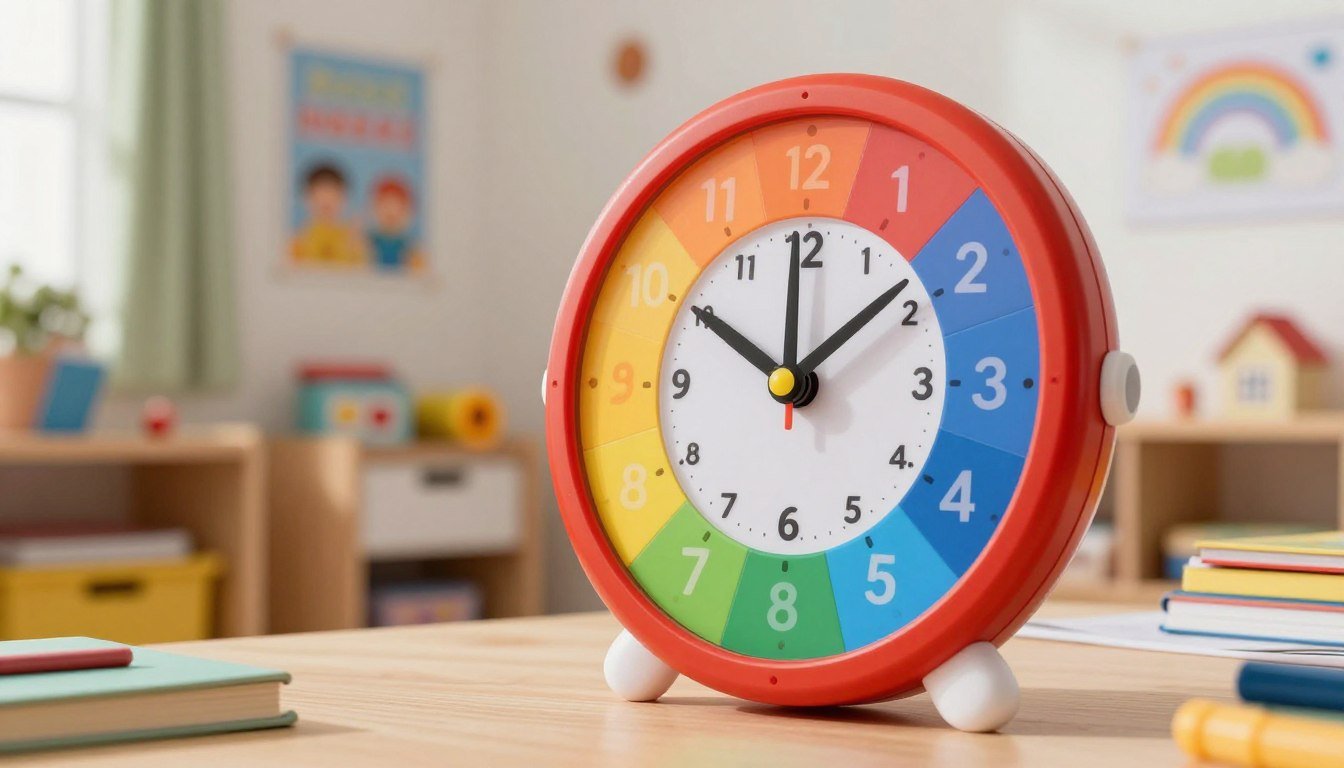
Colored wedges shrink as the time runs down — no numbers to read.
Check if the alert sound helps your child prepare for the end of a task or if it causes a sudden, negative reaction. If it triggers a meltdown, you may need to adjust how you introduce the final minutes.
How to adjust the duration, alert, or wording
If the current setup is not working, don't assume failure. Treat this time management tool for children as a flexible instrument that needs fine-tuning. You can easily modify the countdown length or change the verbal cues you use alongside the visual display.
Observation
Potential Adjustment
Goal
Child ignores the timer
Use a louder alert or move it closer
Increase awareness
Meltdown at the end
Add a 2-minute warning
Softer transition
Task takes too long
Break into smaller segments
Improve focus
Keeping expectations flexible without adding guilt
Progress is rarely a straight line. You might need to provide extra verbal reminders or practice the routine several times before it becomes a habit.
"Patience is not the ability to wait, but the ability to keep a good attitude while waiting."
Recognizing when another routine tool may be a better fit
If the visual display does not support your family’s specific needs, it's okay to try something else. A traditional analog clock, a simple sand timer, or even a verbal cue might work better for your child's learning style. Always prioritize a calm home environment over sticking to a specific piece of equipment that simply does not click.
Getting your day organized can be tough. The rainbow visual timer for kids is a simple tool to help manage time. It counts down for 60 minutes quietly and comes in a protective case.
The Yunbaoit visual timer is great for morning routines, homework, or limiting screen time. It has adjustable alerts to signal when it's time to move on. It works best when you guide your child consistently.
Remember, this timer has a one-hour limit. It's a helpful tool, but not a fix for all behavioral issues. Every child is different, so watch how they react to it.
Think about what you need for your home before buying. This article has links that help us without costing you more. The right tools can make your day easier for everyone.
Frequently asked questions
How does the rainbow display on the Yunbaoit visual timer help my child understand time?
The colored wedges shrink as time passes, so your child can see how much is left without reading numbers or understanding minutes yet. That shrinking band is far more concrete for a young child than an abstract 'five more minutes.'
Is the Yunbaoit Rainbow Visual Timer for Kids loud while it is counting down?
No — it counts down silently. The only sound is the alarm at the end, which is what makes it usable during focused play, quiet time, or homework.
How can I use this as a homework timer for kids?
Set a short, realistic block (say 15–20 minutes), place it where your child can see it, and let the shrinking color signal 'work time.' The silent countdown avoids the ticking that distracts some kids.
Does this work well as a screen time timer for kids?
Yes, as a neutral 'the timer decides, not me' cue. Set it before the device goes on and pair the end with a clear next activity so switching off isn't a surprise.
Is the Yunbaoit visual timer durable enough for a busy household?
It's a lightweight plastic build aimed at everyday family use. It handles normal knocks, but like most kids' gear it isn't indestructible — set it somewhere stable rather than in the middle of rough play.
Can the alarm volume be customized for different rooms?
Alarm options can vary by unit and are occasionally updated by the manufacturer, so check the current product details on Amazon for the exact model you're buying.
Will a visual timer for kids solve all my morning transition struggles?
No single tool does that. A visual timer removes the 'how long?' argument, but it works best inside a predictable routine — pair it with a simple morning sequence rather than expecting it to fix everything alone.
Why is the maximum limit 60 minutes on this kids routine timer?
It's designed for short, child-scale intervals — the sweet spot for early-childhood attention and transitions — so it maxes out at 60 minutes rather than trying to be an all-purpose clock.
Where is the best place to put the timer during a morning routine timer session?
Right where the routine happens and at your child's eye level — on the breakfast table for mornings, by the sink for teeth, or on the desk for homework — so the shrinking color is always in view.
Mohamed Lachkar is the Founder & Editor of FamilyDecode. He develops practical family guides, planning tools and resources designed to turn recurring family challenges into clearer, repeatable systems.